
Skip to content
Austin Kimbell

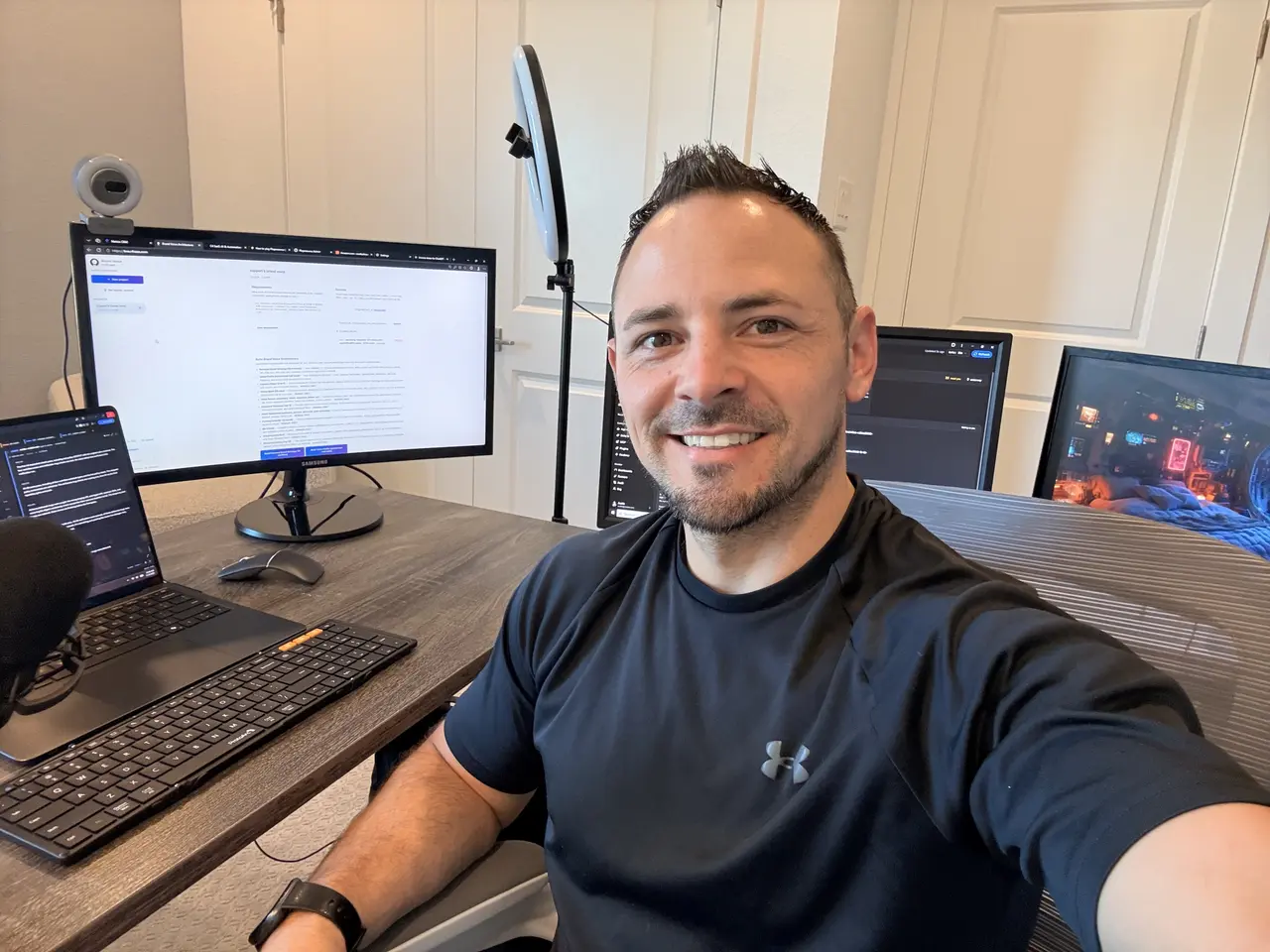
Tech by Austin / AI. Automation. Possibility.

Get curious.Build something.Make it matter.

I’m Austin. I turn real problems into useful AI, automation, and software. Come learn how it works, explore what I’m building, and find what you could make possible.

Real tools. Real decisions. Useful work.Explore the software
01 / GET CURIOUS

Learn AI

Start with a real question. Find a practical explanation you can put to work.

02 / SEE IT WORK

Explore the builds

Step inside the software. See the tools, the decisions, and what’s been built.

03 / MAKE IT HAPPEN

Work with Austin

Bring a business problem, a repetitive task, or an idea worth exploring.

A C4 SaaS product

Brand Voice Architecture

Give your team and AI tools a clear reference for how you think, what you stand for, and how you sound.

Built from your interview and source material, with a Personal Brand Strategy and a practical Voice Profile.

Explore the product

Watch the work

Useful software.
See it in action.

Explore real project recordings, then follow the builds on Tech by Austin on YouTube.

Ploposaurus

Actual gameplay from a game I built. This recording shows the result; the build story is a separate episode.

Read the recording description

A real gameplay recording shows tiles falling onto the board, matching numbers merging, and the resulting game state.
Explore this project

Suggest a community build

The software behind the stories

Built to do
something useful.

AI workspaces. Business systems. Everyday tools. A few experiments that became real software.

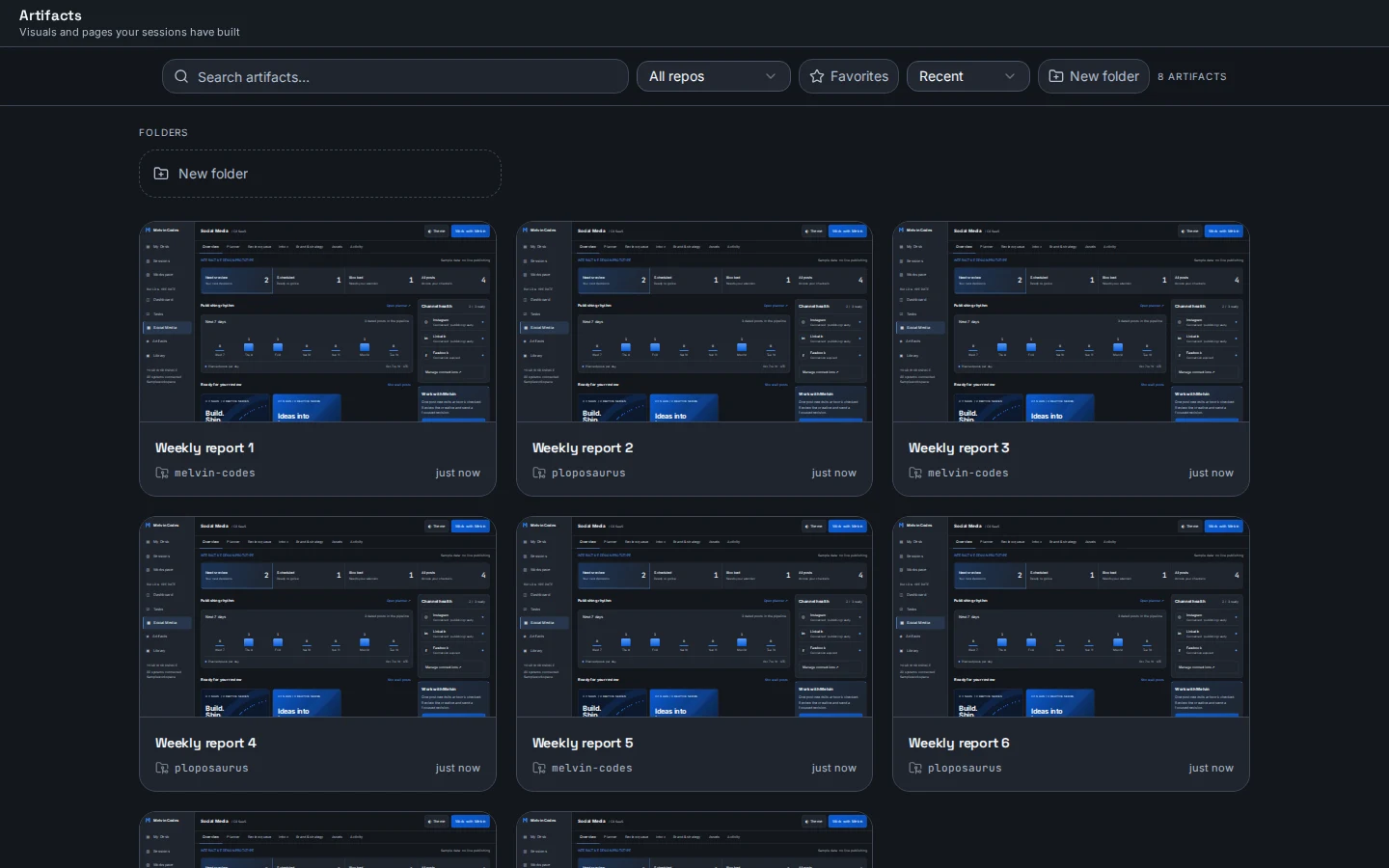
Melvin Codes Artifacts interface with sample report cards; thumbnail artwork is demonstration content.

Developer tools

Melvin Codes

A coding workspace that brings agent sessions, repositories, reviews, and created artifacts together.

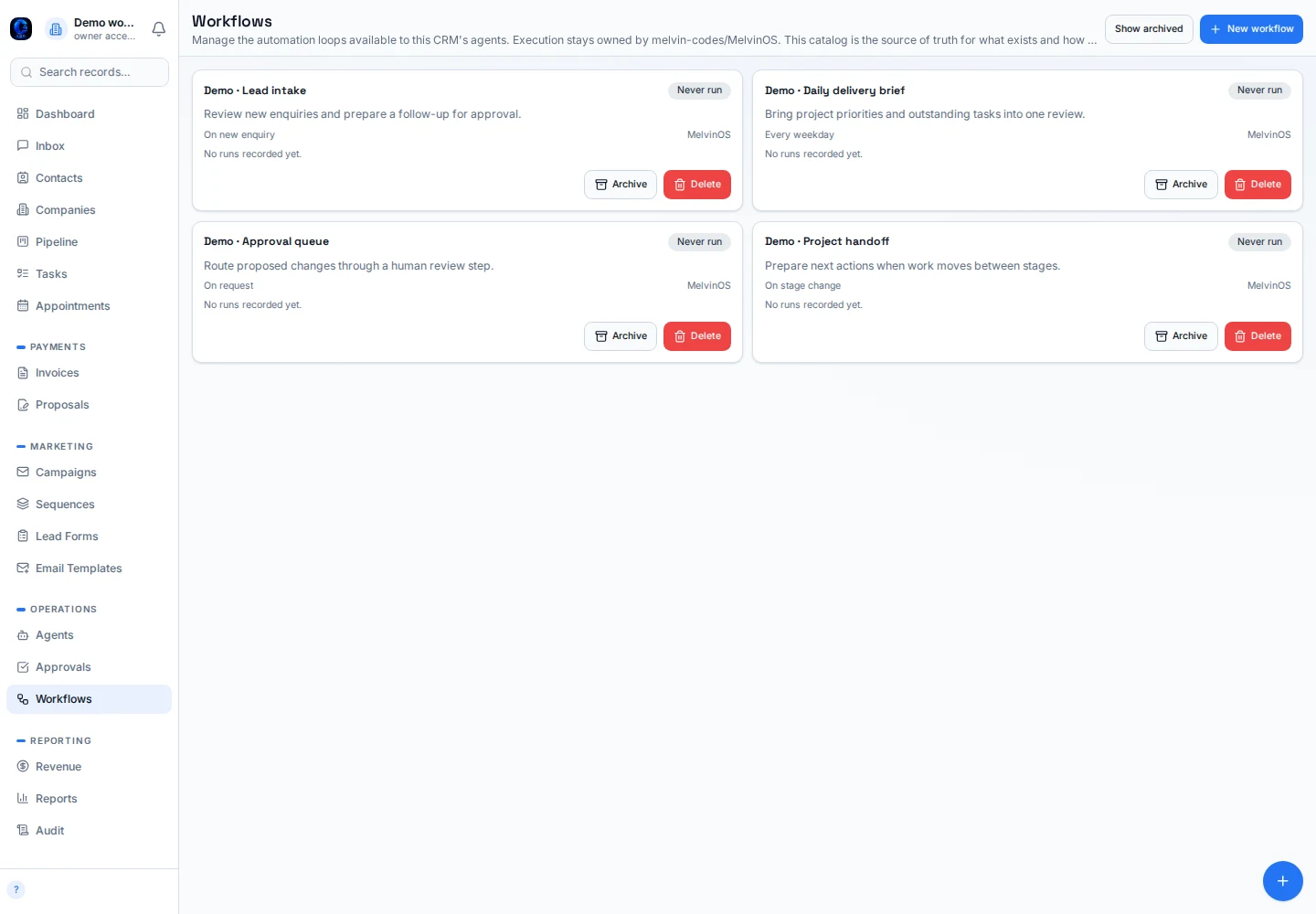
Melvin CRM workflow catalog in a local demo. All workflow entries are sample data and have never run.

Business systems

Melvin CRM

A relationship and delivery workspace for contacts, pipelines, tasks, approvals, and workflow coordination.

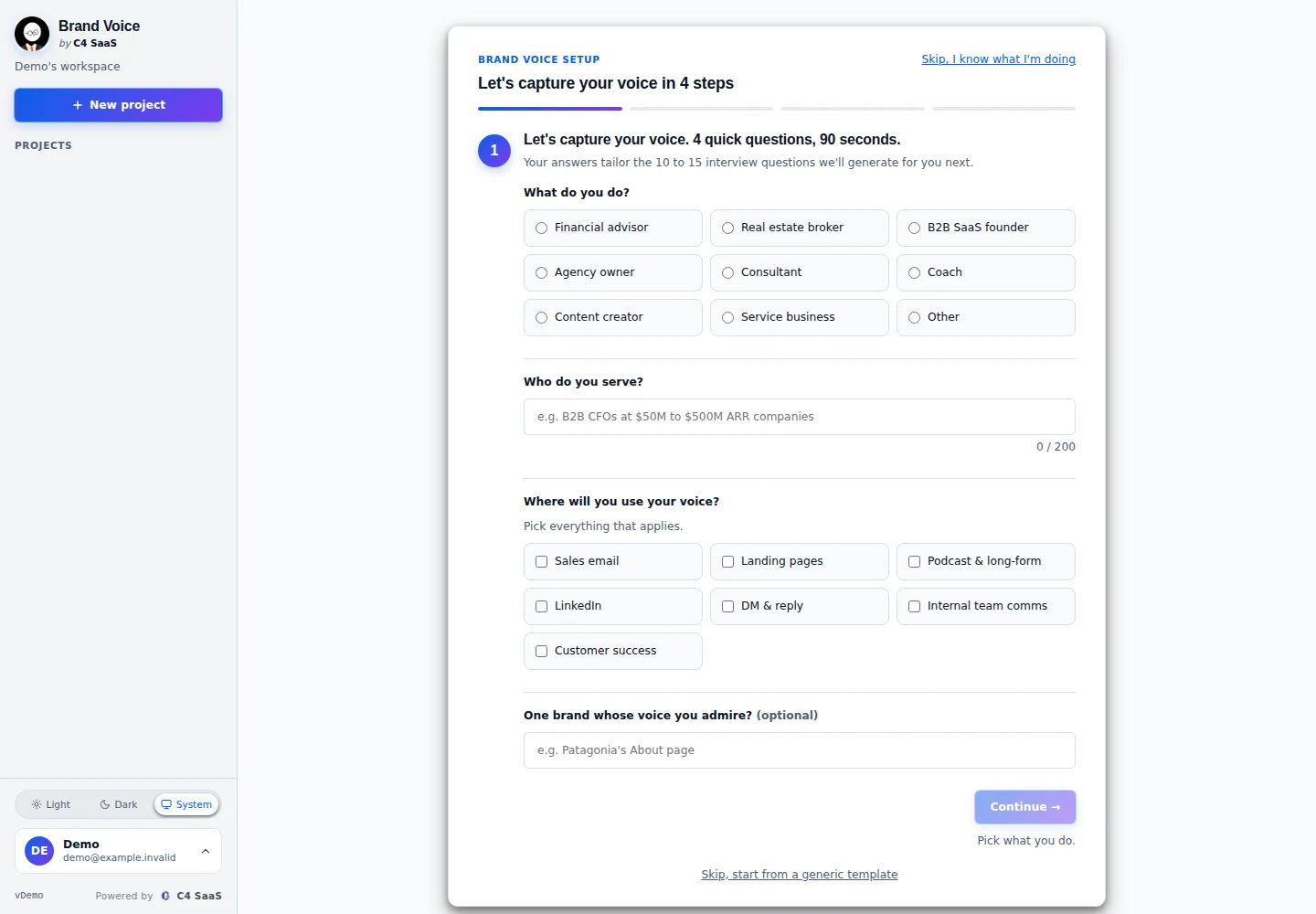
Brand Voice Architecture setup in a local demonstration; no client projects or generated outputs are shown.

AI & automation

Brand Voice Architecture

A guided workspace for capturing a brand voice and turning it into reusable direction for content.

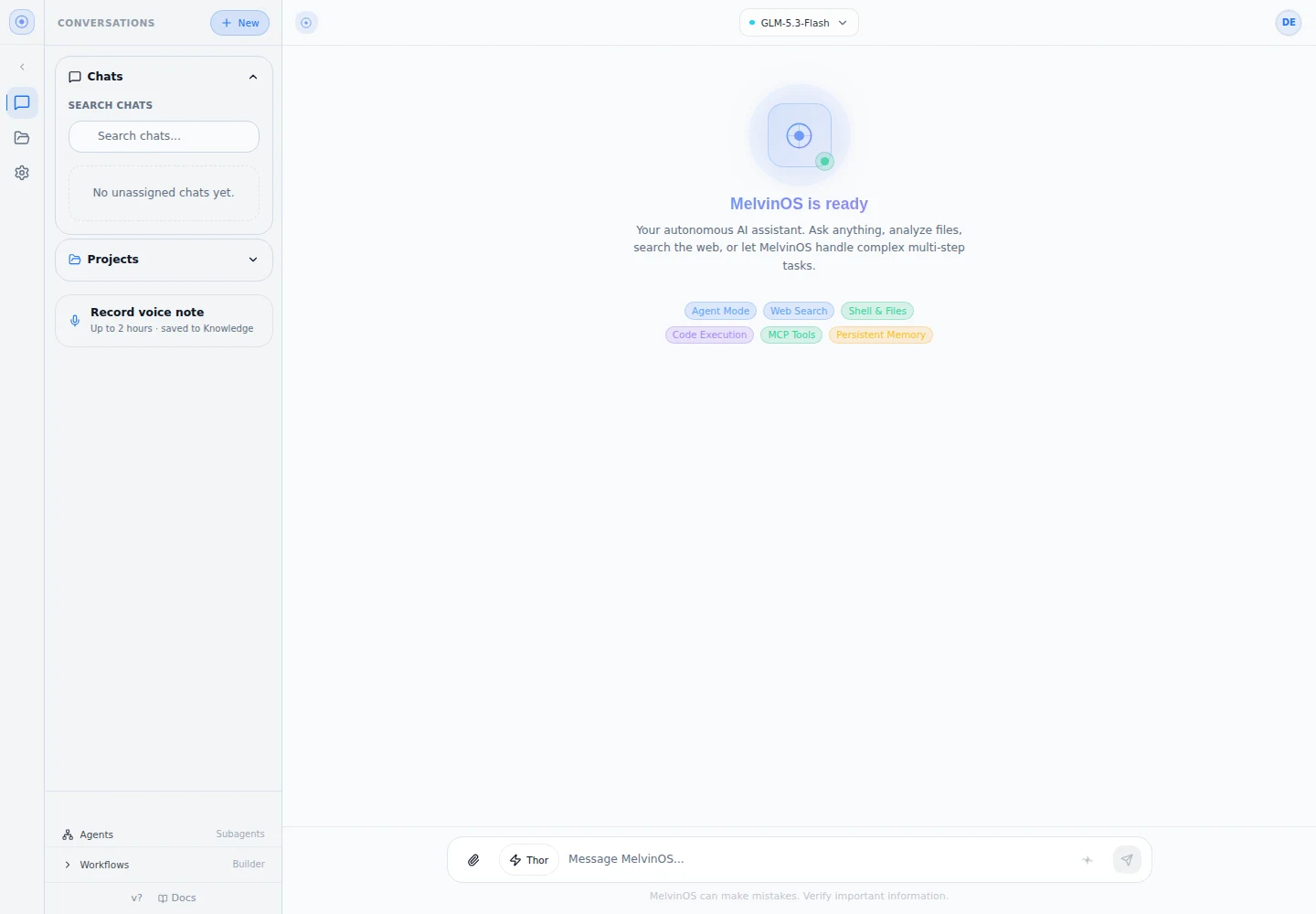
MelvinOS chat workspace in a local demonstration with no conversations or provider calls.

AI & automation

MelvinOS

An AI workspace for conversations, persistent context, tools, and recurring agent work.

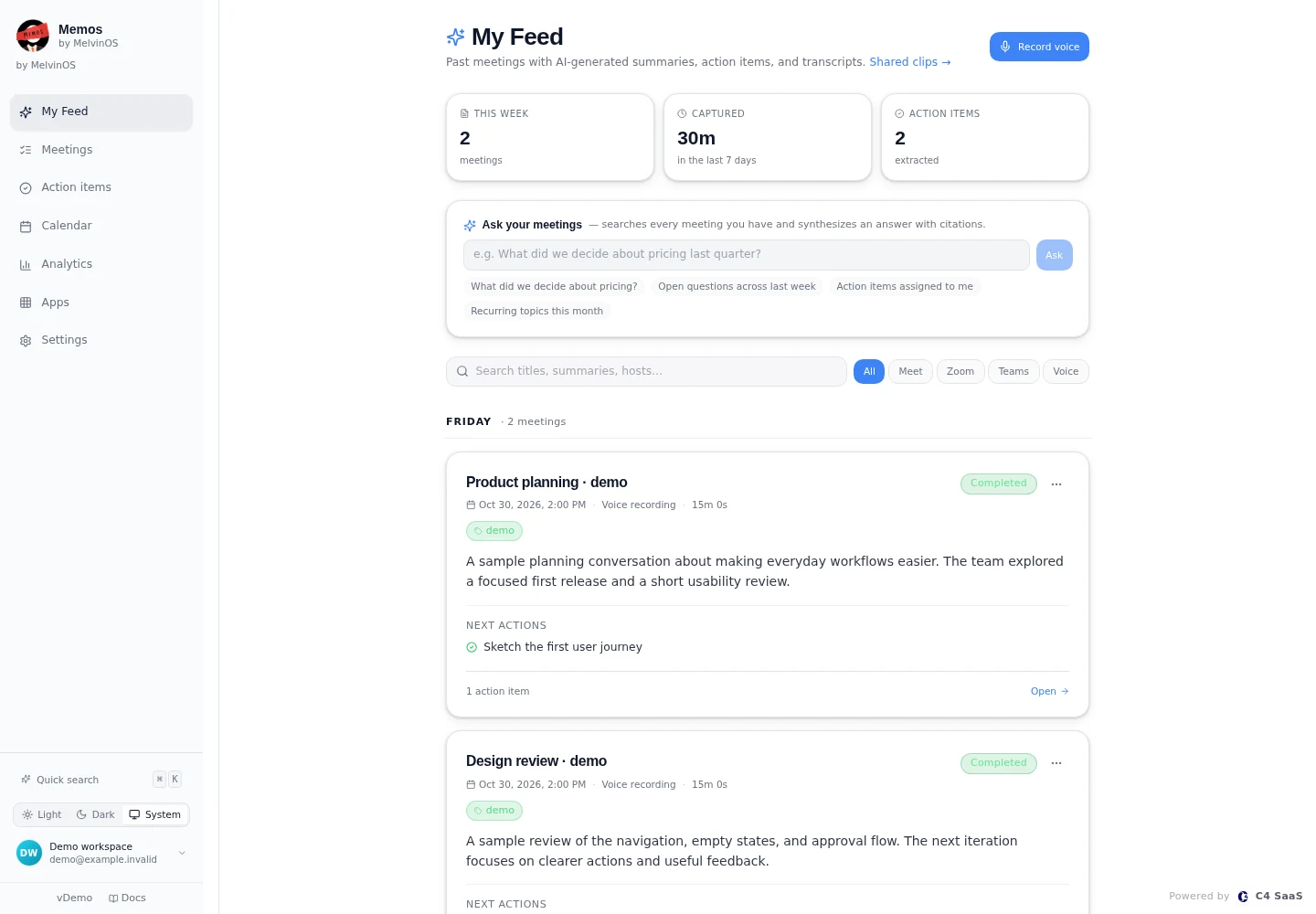
Memos feed in a local demonstration. Meetings, summaries, and actions are fictional sample data.

AI & automation

Memos

Meeting and voice capture with searchable transcripts, summaries, and action items.

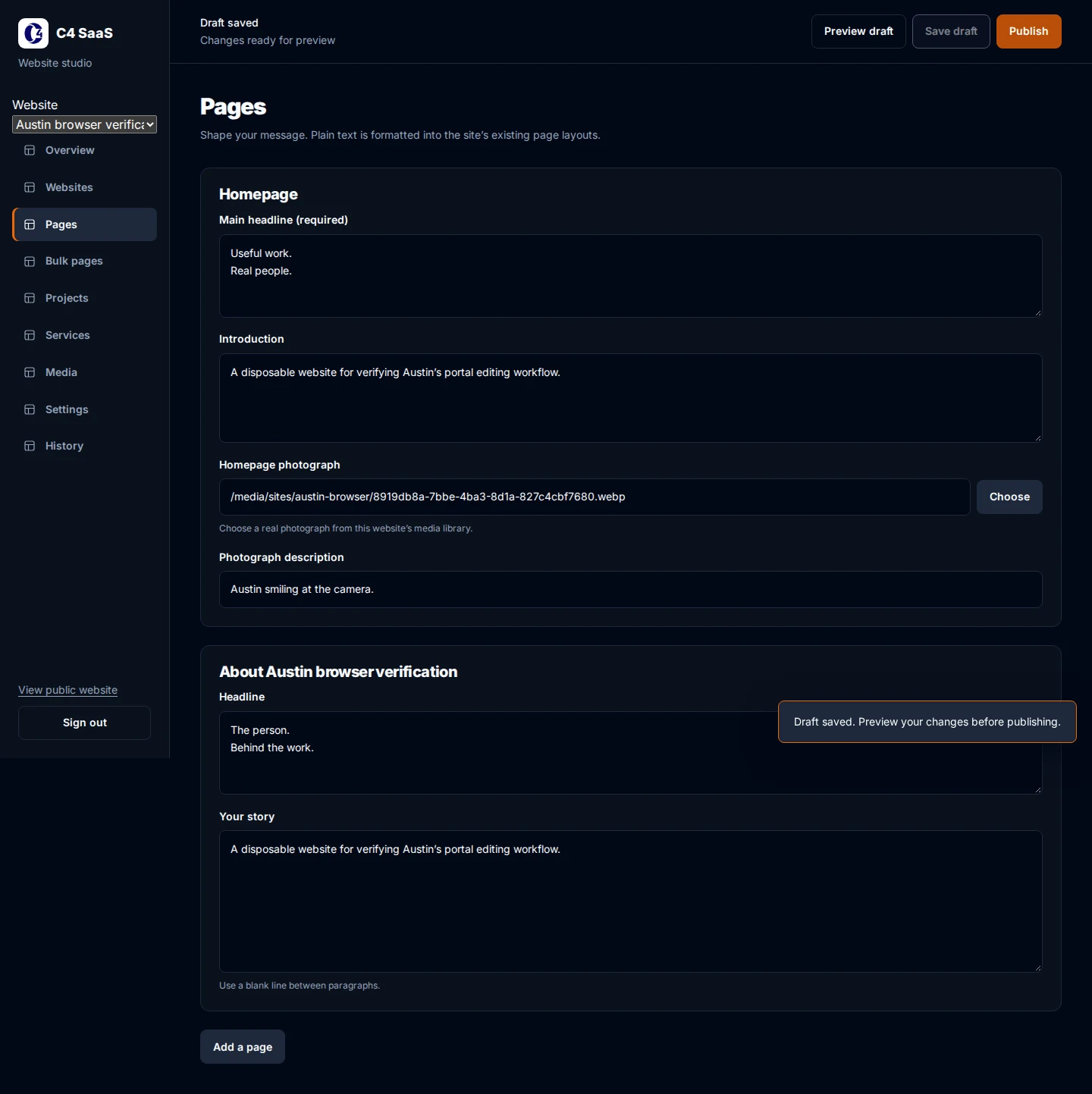
C4 Website Studio editor from a disposable local browser test; the content is test data.

Business systems

C4 Website Studio

A website editor for managing content, media, previews, and publishing across sites.

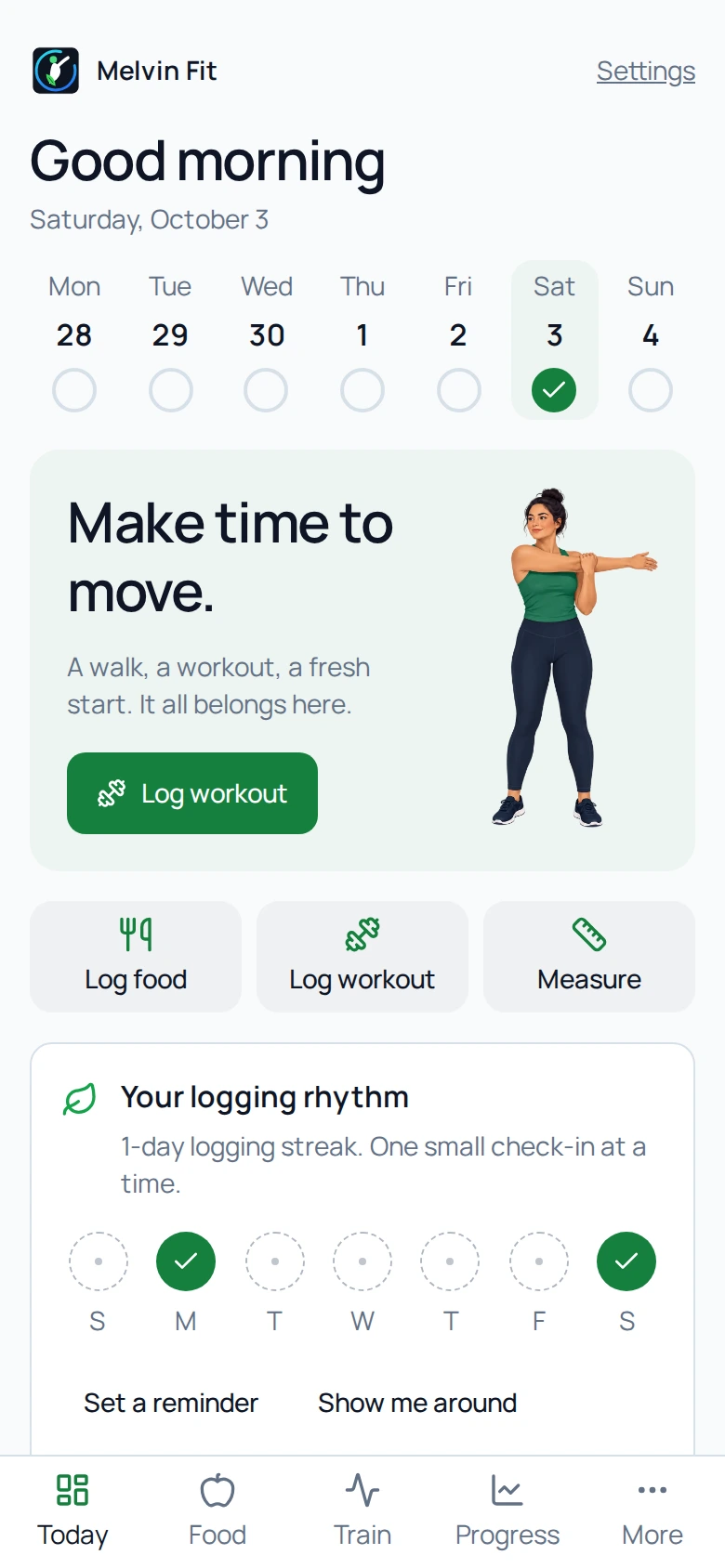
Melvin Fit Today screen from an isolated demo profile with fictional activity data.

Everyday apps

Melvin Fit

A daily tracking app for food, movement, and personal progress.

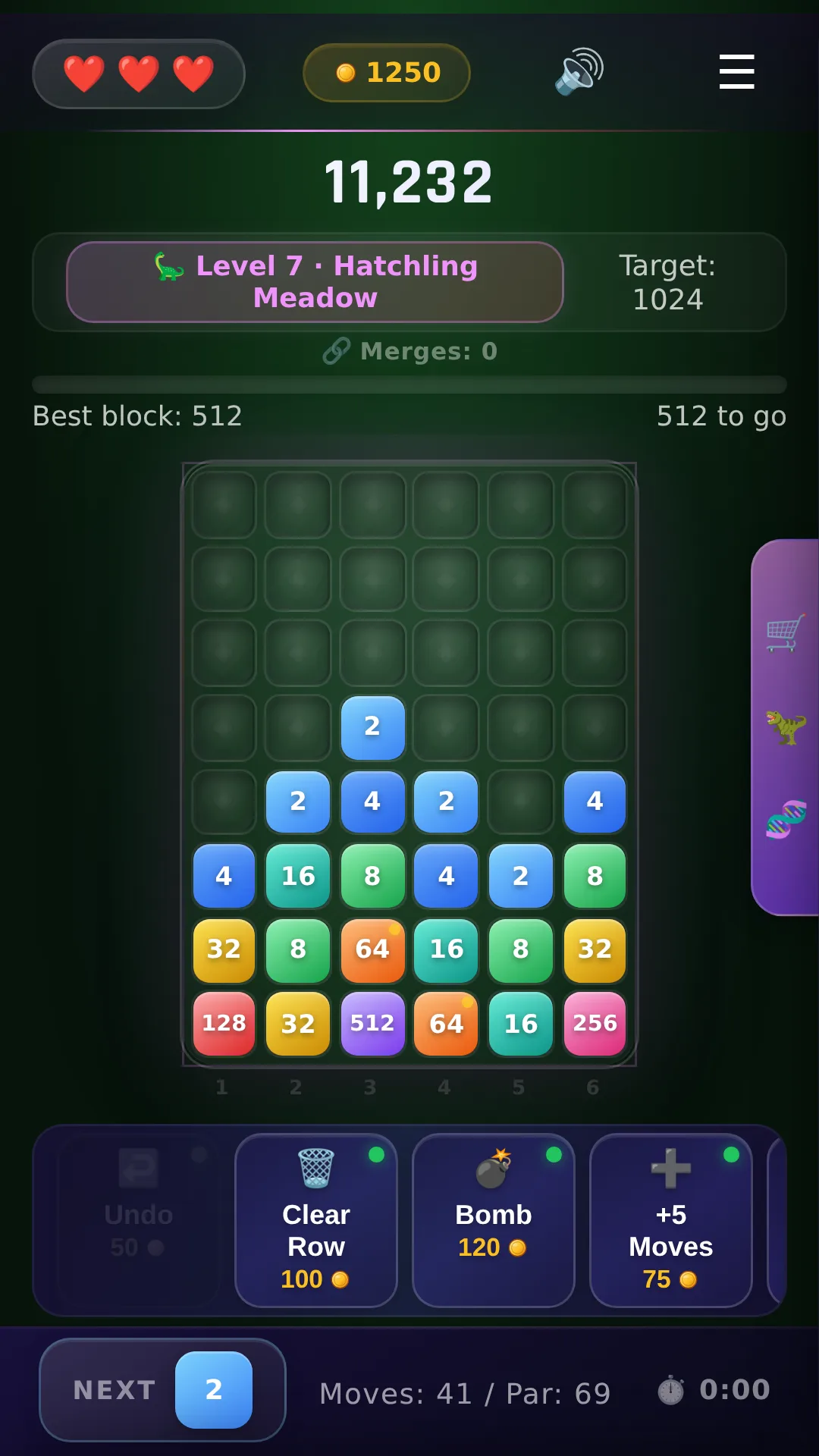
Ploposaurus gameplay capture showing the block board, progression, and power-up controls.

Games

Ploposaurus

A drop-and-merge puzzle game built around colorful blocks, cascading matches, and progression.

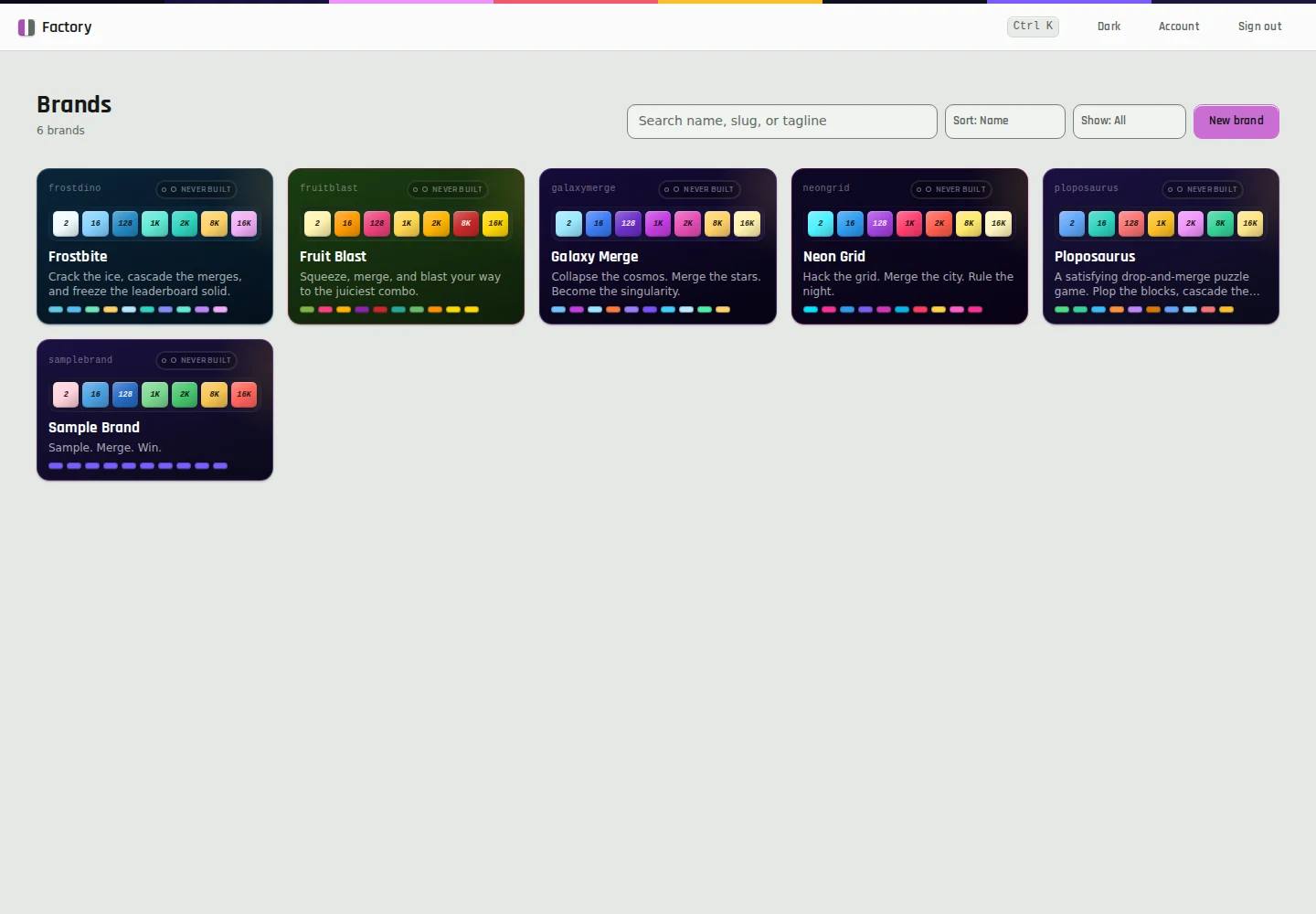
App Factory gallery in a local demonstration using six existing brand presets. Build history is empty.

Developer tools

App Factory

A configurable merge-game builder with reusable brand presets and a shared game definition.

C4 Portal

Business systems

C4 Portal

An internal catalog and library connecting C4 software and shared working resources.

Melvin CLI

Developer tools

Melvin CLI

A command-line delivery tool used within the internal software workflow.

Tech by Austin

Real problems. Useful builds.

Meet the people behind the problem. Follow the build. See how AI and automation can make everyday work a little better.

Explore Tech by Austin

Good automation
starts with good questions.

Understand the work. Choose the right tool. Keep the human handoff clear.

  1. Start with the person.

    What are you trying to do? Where does it get frustrating? The useful idea starts there.

    Explore this step

    A good starting point is a real task. Walk me through what you do today, who is involved, and what makes it difficult. We can then choose one concrete workflow to explore.

  2. Build something useful.

    Choose one workflow, make the decisions visible, and build around the way you work.

    Explore this step

    Keep the first version focused. Make the inputs, outputs, decisions, and human handoffs clear. Use AI where it helps, and straightforward software where that is the better fit.

  3. Put it in real hands.

    Try the tool, notice what gets in the way, and make the next version better.

    Explore this step

    A build is only part of the story. Test the workflow with the person who will use it, agree on ownership and support, and learn from what happens after the handoff.

The practical side of AI

AI, made practical.

Explore the guides

Explore AI agents, workflow automation, CRM systems, and custom software through practical questions and lessons from the C4 SaaS ecosystem.

Melvin Codes

A coding workspace that brings agent sessions, repositories, reviews, and created artifacts together.

Melvin CRM

A relationship and delivery workspace for contacts, pipelines, tasks, approvals, and workflow coordination.

Brand Voice Architecture

A guided workspace for capturing a brand voice and turning it into reusable direction for content.

MelvinOS

An AI workspace for conversations, persistent context, tools, and recurring agent work.

Have a workflow worth improving?

What are you trying to make possible?

Talk about your projectRequest a callSubmit a community idea